






Committee Evidence Capture Plugin
This is Committee Evidence Capture — a small, focused tool designed to help you capture, transcribe, and preserve planning committee evidence quickly and reliably.
It’s intended for planners, solicitors, consultants, researchers, and anyone who needs a clean, searchable record of committee discussions without spending hours doing manual work.
What the tool does
The software takes publicly available committee video or audio links and turns them into usable evidence.
It downloads the media, transcribes the spoken content, and produces files you can search, quote, and archive — including text transcripts and PDFs.
Everything runs locally on your machine. There’s no cloud upload, no account login, and no external service dependency.
How the plugin supports planning research and scrutiny
One of the recurring difficulties in planning research is that committee discussions are often treated as ephemeral. Meetings are recorded, but the content is rarely indexed, searchable, or reviewed in detail once the decision has been made. As a result, important statements by officers and members — including clarifications, caveats, and acknowledgements of evidential gaps — can be difficult to locate or revisit later.
Committee Evidence Capture addresses this by turning spoken committee discussions into structured, searchable records. By transcribing meetings accurately and preserving them alongside the original recordings, the tool allows researchers to review what was actually said, in full context, rather than relying on summaries, recollections, or selective extracts.
This is particularly valuable where officers explain how evidence has been interpreted, qualified, or deferred during committee debate. Those explanations often provide insight into the authority’s understanding of its own evidence base, the limits of that evidence, or the assumptions being relied upon at decision stage. Having an accurate transcript allows that material to be referenced carefully and fairly in subsequent analysis, reports, or correspondence.
Installation
Installation is straightforward, simply download the installer and run it like any standard Windows program.
By default, it installs into your user profile, which avoids permission issues and means it works immediately without extra configuration.
Once installed, you’ll see a desktop shortcut. That’s all you need — there’s no Python to install, no command line, and no setup steps after installation.
Launching the program
When you open the program, it starts a small local interface in your browser, you don’t need to remember an address — the software opens it automatically.
How to use it
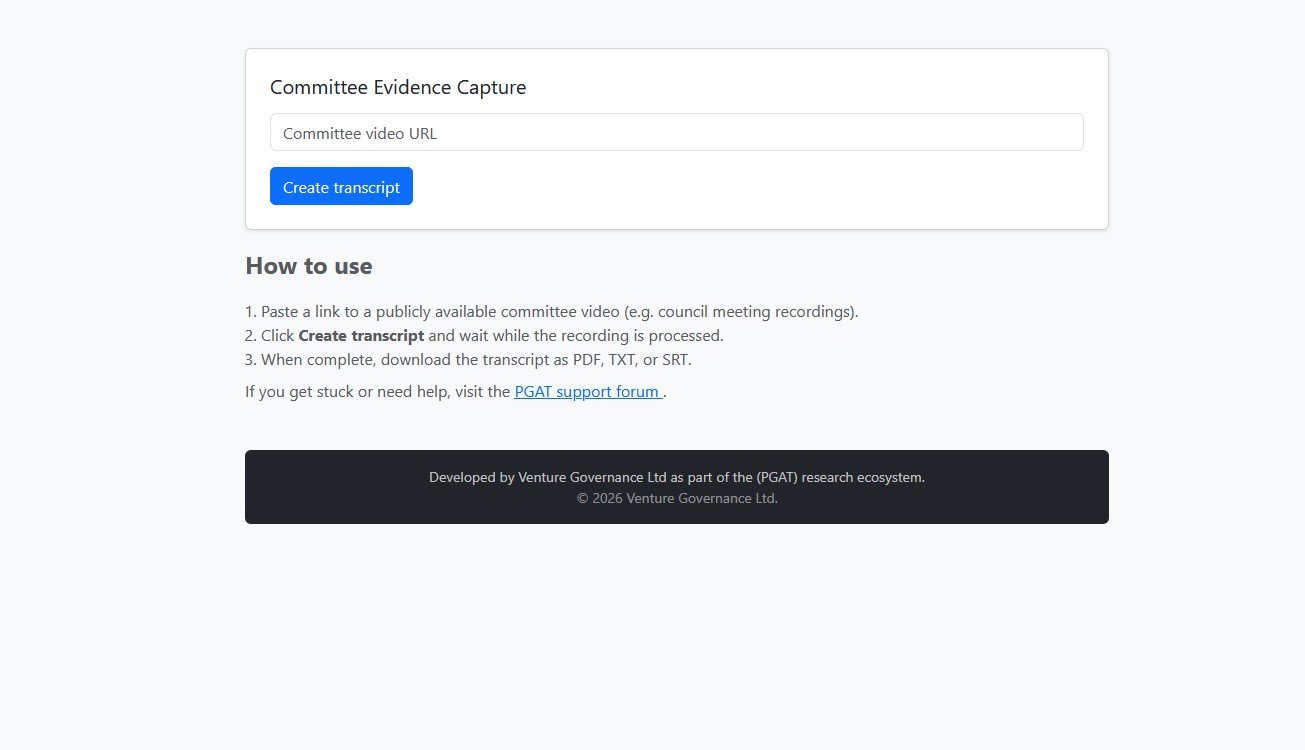
Using the tool is simple, just paste the link to a committee meeting video or audio into the input box, then start the capture process.
The software downloads the media, processes the audio, and generates a transcript.
When the process completes, your output files are saved locally and ready to use.
What you get at the end
The result is a clear, structured record of what was actually said in the meeting. This makes it far easier to review decisions, extract quotations, and reference committee discussions accurately in reports, objections, or professional work.
Comments
No comments yet.